Best AI Workflow Builder: 10 Tools Compared for 2026
read
·


A Meta ad gets 40 comments by 11 p.m. Three are scams, one is a buyer asking whether the bundle ships to Canada, and that buyer's DM is already running against the 24-hour window. Your media buyer is offline. Support won't open the inbox until morning.
The right workflow builder has to act before morning. It must answer the buyer through an authorized channel, hide the scams, preserve legitimate complaints, and connect the exchange to an order. A spreadsheet sync can record the comment after it arrives, but it cannot decide whether the comment needs a public reply, a DM, or moderation while the ad is still collecting spend.
The best AI workflow builder depends on which job you need done. General automation platforms connect systems and move data. AI employees built for social engagement handle replies, moderation, escalation, and purchase follow-through. The trade-off is reach versus accountability: broad platforms cover more systems, while social tools focus on the actions that determine whether an ad conversation becomes a sale.
For paid-social teams, test the action, not the integration badge:
Reply coverage: Can the system answer the actual comment or DM through an authorized channel?
Moderation: Can it hide a scam without removing a legitimate shipping complaint?
Revenue tracking: Can you connect the conversation to an order rather than count generated replies?
The publishing problem described by how AI transforms media production applies here. Generating output is only the first step. Before a workflow can reply or hide a comment under an ad, it needs permission limits, escalation rules, and a record of what it changed.
Use those checks to compare pricing model, channel access, and operating burden before granting any tool permission to act.
Table of Contents
1. Zapier

Task-based billing can make busy workflows expensive. Zapier is still an accessible starting point for marketers who need to connect apps without writing code.
Its visual workflows, called Zaps, combine triggers, actions, filters, paths, and AI steps. Run history helps you inspect whether a record reached the CRM or a notification failed.
Best for marketing handoffs
Say someone submits a product question through a landing-page form. You can classify the inquiry, add the contact to your CRM, and notify support when the question mentions delivery restrictions.
That's useful internal routing. It doesn't establish that Zapier can read every ad comment, hide it, or send the required private reply.
Strength: Many common marketing connections can be configured without code.
Pricing model: Task-based usage means multi-action workflows need a realistic volume estimate.
Channel limitation: Confirm the exact Facebook, Instagram, or TikTok trigger and action. An app listing isn't proof of comment-management coverage.
Before building, write down the required action in plain language: hide a comment on this ad, send an authorized DM, or record an order against this conversation. Check each action separately.
For a broader internal-operations comparison, use this guide to workflow automation software. Choose Zapier when the missing piece is a handoff between apps, not when you need a complete social-engagement operation.
2. Make
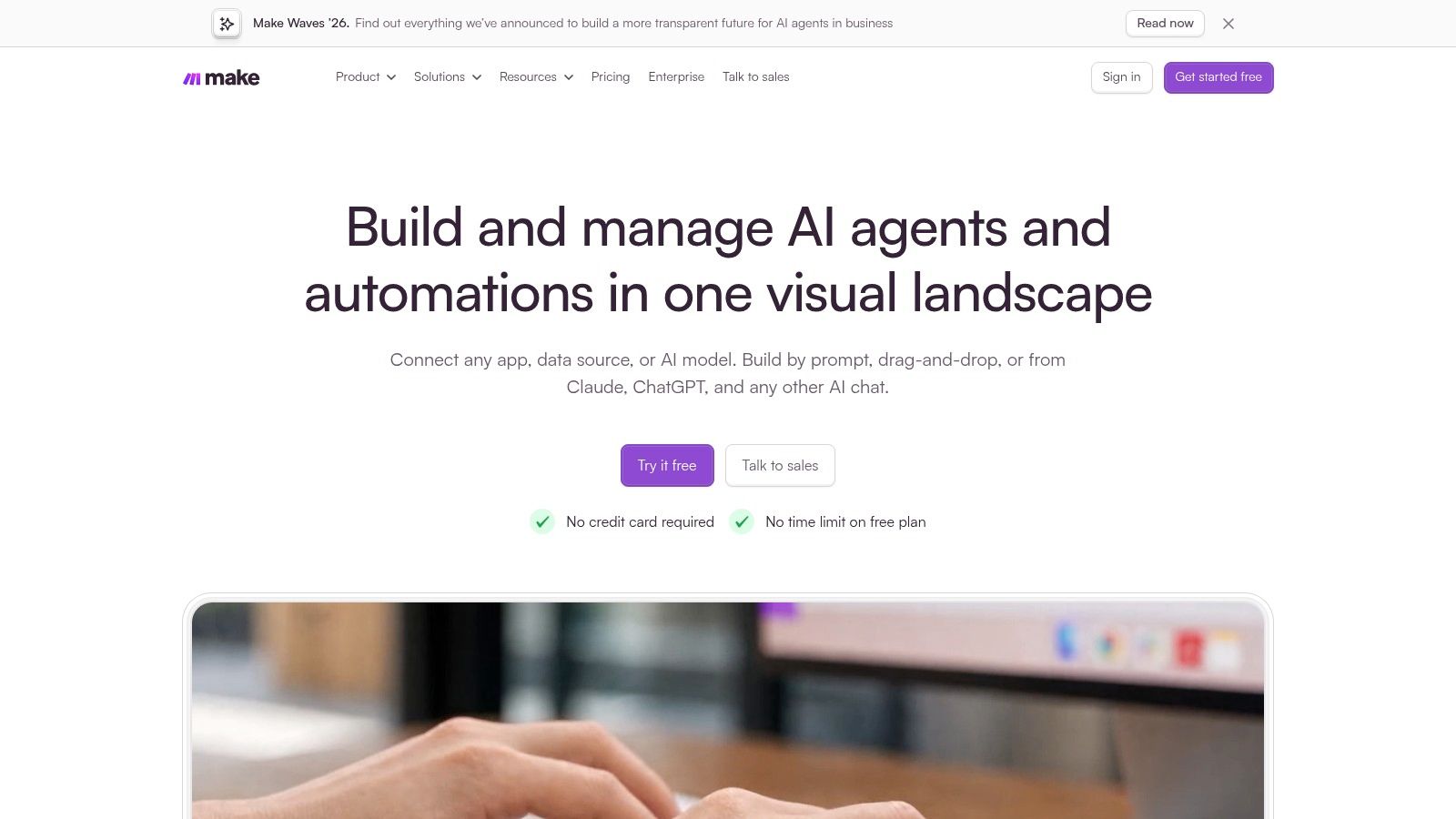
A shipping question, refund request, and suspicious giveaway comment shouldn't follow the same route. Make gives operators a visual way to separate those branches.
Its scenarios use routers, filters, app modules, and AI tools. You can inspect execution logs and see which branch processed a message, which is useful when a teammate asks why a customer received a particular response.
Best for visible branching
The trade-off is maintenance. A scenario with product lookups, classification, approval, notifications, and reporting can become difficult to change safely.
Module actions generally consume credits. Test a complete conversation, including retries and failed lookups, rather than estimating cost from the first trigger alone.
Useful starting point: Use the free tier to test a simple classification and routing scenario.
Strong fit: Marketers who want to inspect branching logic without reading code.
Weak fit: Teams expecting native moderation across paid-social placements without checking connectors and permissions.
For a same-day test, route shipping inquiries to approved delivery information and refund requests to human review. Keep both branches in draft mode until the outputs match your policies.
The Exerta workflow builder illustrates the alternative category: workflows organized around engagement actions rather than general app connections. Make fits when your team wants to assemble and maintain the surrounding process itself.
3. n8n

Self-hosting gives you infrastructure control, not a maintenance holiday. n8n suits teams with a technical owner who can manage credentials, APIs, failures, and deployment.
The visual canvas supports conditional logic, AI nodes, and connections to custom services. Hosted cloud and self-hosting options let you choose how much infrastructure responsibility to retain.
Best for custom commerce logic
Execution-based pricing can suit workflows with many steps because the billing model centers on full workflow executions rather than each individual step. Self-hosted deployments still carry infrastructure and operating costs.
A practical ecommerce flow could receive an authorized conversation event, check product availability, retrieve an approved offer, and prepare a response. Before sending, validate the destination URL, customer state, and offer eligibility.
Practical rule: Let AI employees interpret the question. Keep discount limits, permissions, and checkout eligibility in deterministic rules.
n8n gives technical teams room to implement that separation. It also gives them responsibility for duplicate events, expired credentials, rate limits, and failed tool calls.
Start with an internal notification flow before permitting customer-facing actions. Replay the same event and confirm that it doesn't create duplicate messages or duplicate order records.
For Meta and TikTok work, API access remains the constraint. Custom code can fill an integration gap, but it can't grant permissions the platform doesn't provide.
4. Activepieces
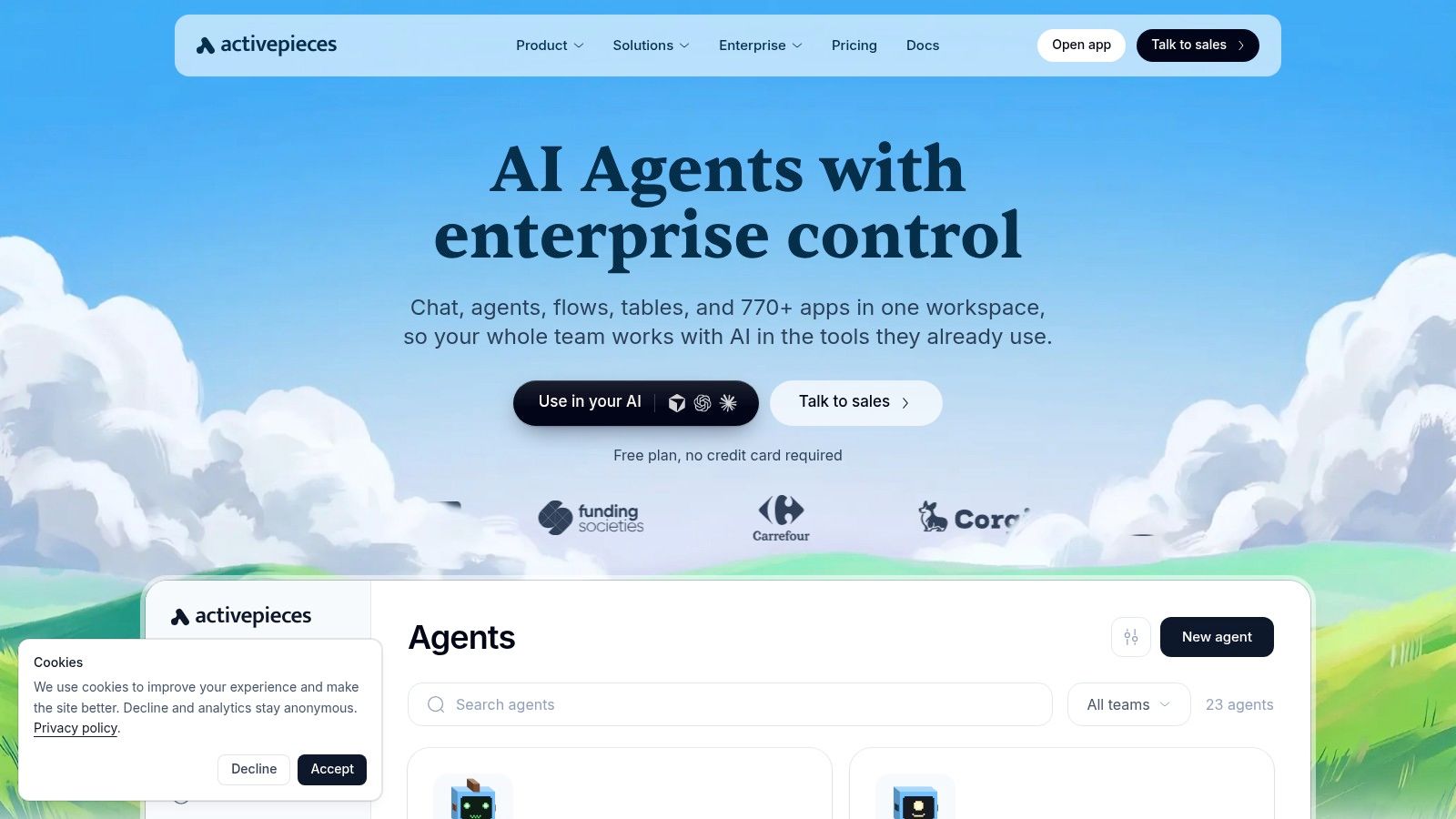
A flow misclassifies a refund complaint as a product question. With Activepieces, you open the run record and see the input and output of every step, so the failure traces back to the exact action that produced it. That visibility matters when AI steps sit inside a live comment workflow. The open-source piece library also lets a technical team inspect and extend the connectors a flow depends on.
Self-hosting keeps deployment under the team's control, but it also means owning updates, credentials, security, and recovery when a flow stops.
Best for teams choosing their own hosting
The visual builder combines triggers, branches, repeat steps, AI actions, and app integrations on one canvas. For an agency, a useful starting flow is an internal complaint digest. Classify incoming messages by product issue, summarize recurring problems, and send the results to the account manager without changing public comments.
Evaluation access: The free plan supports exploration without a payment card.
Operational benefit: Classification, summarization, and extraction can sit alongside conventional app actions.
Tier check: Team, security, and governance features sit behind higher tiers, so confirm the plan covers the controls each client expects.
Channel check: Verify integrations and permissions against each client's actual ad accounts.
Don't treat self-hosting as a substitute for client isolation. Keep credentials, knowledge, and approval paths separate for each brand.
Activepieces fits teams prepared to own the automation environment. It's less suitable when the immediate requirement is to connect an ad account and begin managed comment moderation without engineering involvement.
5. Gumloop

Unstructured messages are the reason to consider Gumloop. Moving a clean form submission between apps is straightforward. Interpreting a sarcastic comment containing a product question requires more careful classification.
Gumloop's node-based canvas combines AI tasks, tools, connectors, and deterministic steps. That makes it useful for prototyping how AI employees should interpret messy inputs before you authorize public actions.
Best for intent-classification prototypes
Credit-based pricing needs workload testing. A workflow that repeatedly analyzes long conversation histories can cost differently from a short classification step.
Start with exported comments and label the desired outcomes manually. Include genuine complaints, purchase questions, scam links, ambiguous jokes, and requests involving unsupported claims.
What works: Inspectable steps for extracting intent and preparing structured outputs.
What needs checking: Collaboration features in the current Pro offering and the permissions available for each channel.
What remains uncertain: Public review samples are limited compared with more established platforms.
The useful output is not just a polished reply. Require fields such as intent, supporting text, proposed action, and escalation reason so an operator can inspect the decision.
Gumloop can help you develop that process quickly. It doesn't remove the need to verify whether your production integration can hide a particular comment, send a permitted message, or attribute the resulting purchase.
6. Relevance AI

More autonomy means more boundaries to define. Relevance AI focuses on building AI employees, equipping them with tools, and coordinating their work rather than only linking fixed trigger-action steps.
Teams can connect apps, APIs, and knowledge sources through a no-code builder. Human oversight, escalation, and scheduling help define when the system should proceed and when it should stop.
Best for delegated internal work
A sensible starting assignment is preparing a response package for support. The workflow reads the inquiry, retrieves approved information, drafts a reply, and routes uncertain cases to a person.
That's different from letting it choose any discount or improvise a regulated claim. Tool permissions should enforce those limits, not merely a sentence in the prompt.
Pricing model: Actions and vendor credits are metered, so test AI-heavy usage before scaling.
Entry point: A free plan supports evaluation.
Trade-off: Flexible task handling requires careful scoping and isn't a purpose-built Meta or TikTok moderation setup.
Give each AI employee a narrow job and a clear stopping condition before adding more tools.
These AI employee examples can help distinguish a bounded assignment from an open-ended instruction.
For paid-social teams, Relevance AI is most compelling behind the inbox: preparing answers, gathering context, and routing work. Prove authorized channel execution separately before relying on it for live replies or hides.
7. Flowise

Building your own conversational application requires more implementation than connecting a ready-made engagement tool. Flowise offers that flexibility to technical and product teams.
Its visual builders support assistants, chatflows, retrieval, and orchestration patterns. APIs and embedding capabilities let teams place custom AI employees inside their own applications.
Best for custom website experiences
Consider a landing page selling bundles with different shipping restrictions. A Flowise implementation could retrieve approved product information, ask a clarifying question, and pass structured purchase intent to another system.
The difficult work sits around that conversation: identity, permissions, checkout integration, monitoring, and safe fallback behavior. A convincing chat demo doesn't prove those production pieces work.
Build capability: Visual workflows support more customization than a fixed chatbot template.
Inspection tools: Tracing, analytics, evaluations, and human-in-the-loop options support testing.
Pricing check: Estimate predictions and other plan limits against expected usage.
Entry option: A free tier supports experimentation.
Use workflow builder UI principles to make approval branches and failure paths visible, not just the successful route.
Flowise is a candidate when custom conversational behavior is the product requirement. It's not a shortcut to social moderation. Connecting Facebook, Instagram, or TikTok actions still requires the relevant channel integration and authorization, plus an operator who owns failures after launch.
8. Voiceflow
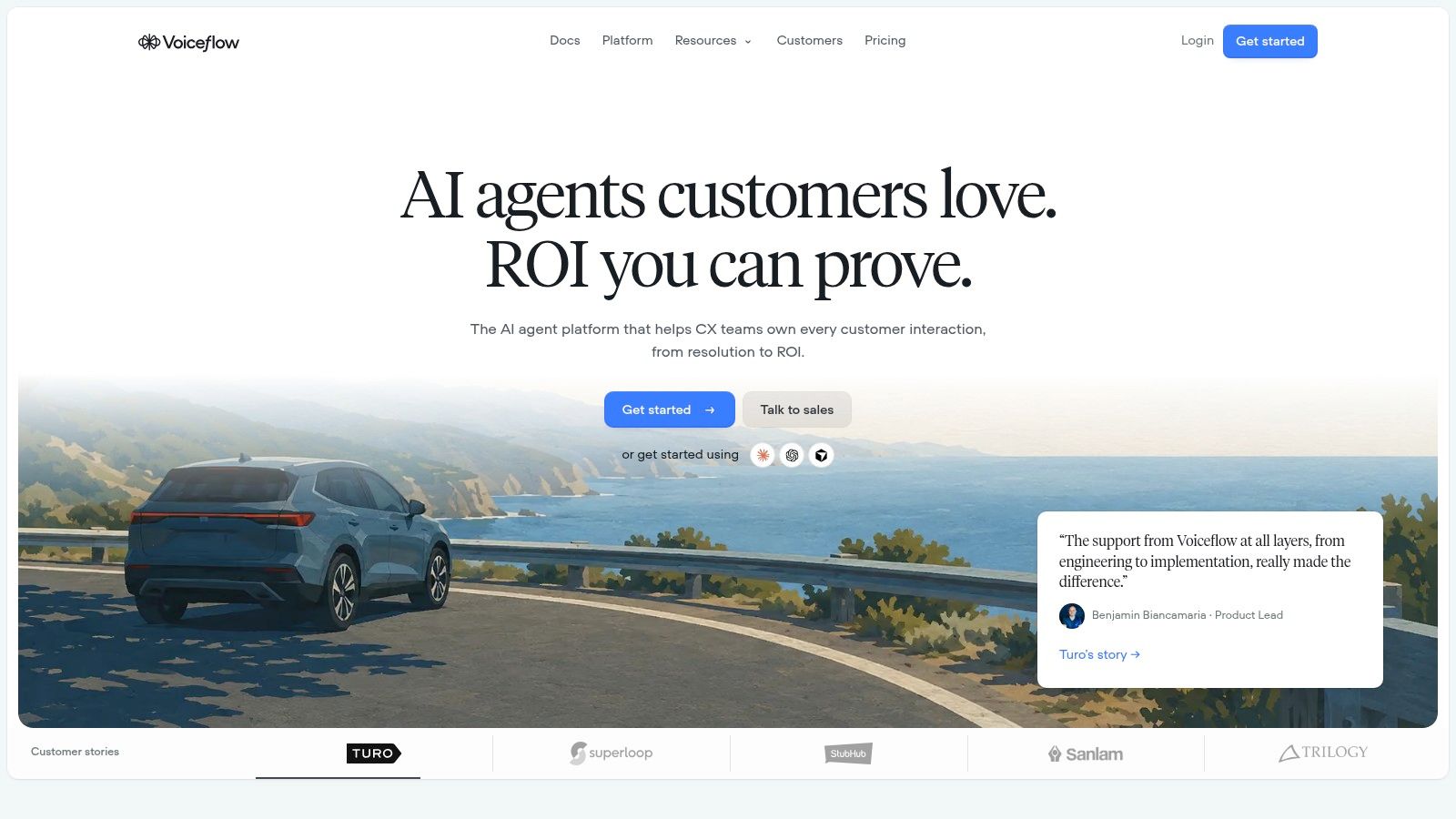
A returns question on a website carries more steps than a routing rule can handle: pull the approved policy, collect the order details, decide whether the request qualifies, and hand off cleanly when it falls outside the rules. Voiceflow is organized around designing, testing, deploying, and monitoring those interactions.
The limitation for paid-social teams is channel fit. Chat and voice capabilities do not automatically provide public-comment moderation or social DM coverage.
Best for conversational website support
Voiceflow combines visual workflows, playbooks, knowledge bases, API tools, and integrations. Transcripts, evaluations, and analytics show where AI employees give weak answers and where customers abandon the conversation.
A same-day prototype looks like this: a returns flow retrieves approved policy content, asks for an order number and reason, then escalates exceptions such as damaged goods or out-of-window requests to a human instead of promising an unauthorized refund.
Agency fit: Client workspaces and deployment management support agency operations.
Process control: Multi-step conversations can use fixed logic, AI reasoning, or both.
Pricing model: Business pricing is quote-based, so plan a sales call before comparing it against tools with published rates.
Implementation burden: Production connections and handoffs may need technical work.
Good conversational AI design keeps the next action obvious, and it keeps context attached. The transcript should travel with the customer into escalation so they never retype the order issue.
Support and CX teams whose main gap is website conversation quality get the most from Voiceflow. If the expensive gap is spam and scam comments under live ads, score that separately, since a conversational interface does not imply coverage there.
9. Workato

Enterprise governance adds cost and implementation work. Workato becomes relevant when a conversation must connect reliably to business systems with managed access and deployment controls.
Its scope includes workflow orchestration, AI employees, real-time events, and Model Context Protocol capabilities. That breadth suits organizations coordinating commerce, support, finance, and customer records.
Best for governed cross-system operations
A large brand might need to check account status, route a refund exception, update support records, and preserve an approval trail. Workato fits that orchestration problem better than a lightweight reply builder.
It's excessive if the only requirement is hiding obvious spam beneath a campaign. Enterprise infrastructure doesn't eliminate the need for a social-engagement layer.
Evaluation: A free plan is available for testing.
Pricing trade-off: Pro pricing may be difficult to justify for a small marketing team.
Enterprise fit: Advanced governance and dedicated support are available in the enterprise tier.
Deployment reality: Budget for sales engagement, implementation planning, and named system owners.
Buying test: Ask the implementation team to demonstrate a failed action and its recovery, not only a successful run.
For an advertiser, the critical failure might be a checkout link sent after an eligibility lookup failed. Require the workflow to stop safely, preserve context, and alert the responsible person.
Choose Workato for organizational integration and control. Don't buy it solely to solve an inbox problem that needs a narrower tool.
10. Microsoft Power Automate
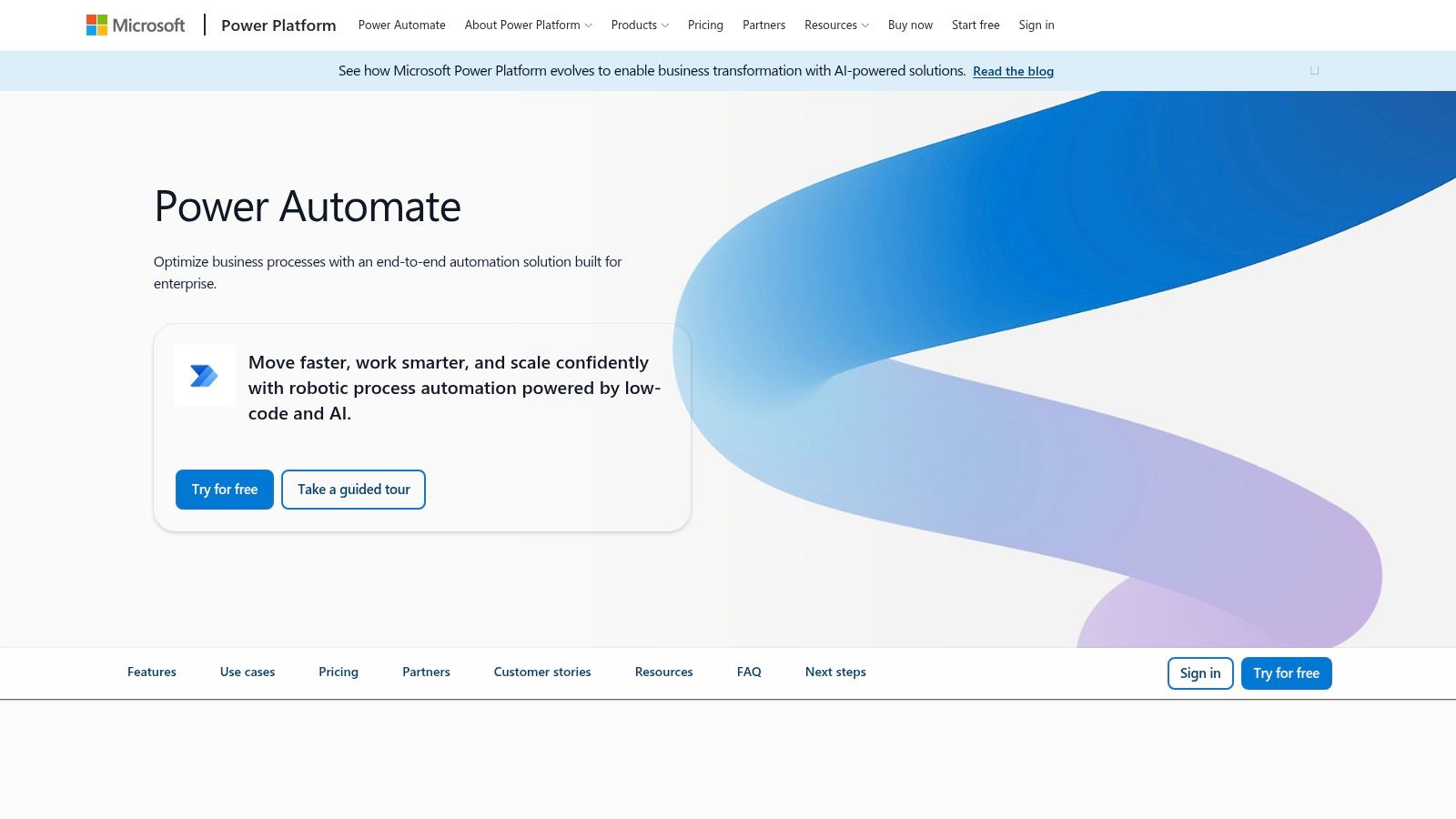
Licensing decides whether Microsoft Power Automate is cheap or expensive for you. A flow running on standard connectors costs differently than one needing premium connectors or AI Builder capacity, and the license is priced by user, process, or capacity depending on what you build. Its advantage is organizational fit when your team already works in Microsoft's business environment.
Cloud flows, desktop automation, connectors, and business-process tools cover internal workflows. AI Builder capabilities depend on applicable licensing, while Power Platform administration supplies governance and data-loss-prevention controls.
Best for Microsoft-centered operations
An approval request lands in Teams overnight and needs an owner before the morning shift. Approved answers live in SharePoint, and the escalation has to be recorded. Power Automate connects those internal processes: it routes the request, notifies the owner, and logs the outcome.
That chain stays inside Microsoft. It says nothing about whether the flow can hide a spam comment or answer a DM under a live ad. Confirm comment access, private-message support, and permissions independently for every required connector.
Operational strength: Cloud and desktop automation can connect modern services and older internal processes.
Pricing model: Review licensing by user, process, capacity, and required premium connectors.
Administrative benefit: Central controls help IT define which systems may exchange information.
Marketing drawback: A simple campaign task can require more setup than a lightweight builder.
Keep desktop automation away from customer-facing critical paths where possible. A changed screen or interrupted session can leave a buyer waiting without an escalation.
Power Automate is a strong internal companion for Microsoft-centered teams. For live ad engagement, judge it on the authorized actions it can complete on live ads.
How the Ten Workflow Builders Compare on Pricing Model, Best Use, and Social Comment Fit
Use this table to identify what to validate before setup. The first step matters because these tools differ in how they connect to social channels and support the actions needed to handle ad comments.
Builder | Best for | Pricing model | First setup step |
|---|---|---|---|
Zapier | Nontechnical teams connecting common apps | Task-based usage | Check whether the required social app offers the comment or messaging trigger and action you need |
Make | Visual, branching workflows | Credit-based usage | Map the comment event, decision branches, and actions in a visual scenario |
n8n | Technical teams needing flexible workflows or self-hosting | Based on workflow executions | Identify the API calls and platform permissions the workflow requires |
Activepieces | Teams seeking open-source options and AI workflows | Free plan; hosted or self-hosted options | Confirm the relevant integration is available in the hosted or self-hosted setup |
Gumloop | Prototyping AI-powered workflows | Credit-based usage | Test the workflow with a sample comment and check which channel actions are supported |
Relevance AI | Agent-based task handling with human oversight | Metered actions and vendor credits; free entry plan | Define the task and where a person must review or approve the agent's action |
Flowise | Technical teams building custom AI assistants | Free tier; plan and usage limits apply | Specify the integration needed to pass comments in and return an approved action |
Voiceflow | Customer-service chat and voice agents | Business pricing by demo or quote | Decide whether the workflow is for chat or voice before assessing social-channel fit |
Workato | Enterprise integration and orchestration | Enterprise-oriented pricing; sales engagement may be needed | Map the systems and approval steps the workflow must connect |
Microsoft Power Automate | Organizations using Microsoft business tools | License-based, with options depending on connectors and capacity | Check connector access and permissions for each social action |
Match the Builder to the Inbox Before You Buy
Start with the thread that costs your team the most: comments under Meta or TikTok ads, DMs, or website chat. Choose a builder that handles that work safely and lets your team inspect what happened.
Zapier, Make, and n8n can route internal data. For replies, moderation, and checkout links across Facebook, Instagram, TikTok, and website chat, choose a system built for social engagement. The two categories can work together.
Test the expensive failure first
Run one live ad's comment section for a week before expanding the budget. Track replies sent, spam hidden, escalations, and orders recovered. Record traffic and spend changes alongside those outcomes.
Hide counts alone are a poor measure. TikTok's advertiser brand-safety and suitability guidance describes comment controls such as filtering, review, and keyword filters applied separately to each ad. Configure those controls to catch harmful content while preserving legitimate questions and criticism.
Scam handling: Hide impersonation and fraudulent offers, and record the reason.
Buyer intent: Answer questions with approved product and shipping information.
Uncertain claims: Escalate medical, financial, or policy-sensitive statements.
Purchase tracking: Retain the conversation identifier, checkout destination, and order association.
Check messaging eligibility before each outbound action. Receiving a DM does not mean a workflow can send follow-ups indefinitely.
Separate attribution from proof of lift
A linked order shows an assisted purchase. It does not prove the reply caused the sale. Where practical, compare results with a holdout group, and include software, setup, review time, and exception handling in the payback calculation.
For integration options, compare workflow automation tools to identify surrounding infrastructure. Keep the engagement decision tied to inbox performance, not the length of an integration catalog.
Facebook, Instagram, TikTok, and website chat are available today; SMS, email, and voice are planned. Use a pilot to assess brand voice, moderation decisions, checkout links, and logged outcomes. Buy the tool your team can supervise and measure.
Exerta offers AI employees that reply to comments and DMs, moderate harmful content, and connect engagement to recovered orders across social and website chat. Visit Exerta to explore its no-code workflow builder and scope a pilot around the ad inbox that needs coverage first.

