Guide
How to Filter Comments on TikTok: A Guide for Brands
Learn how to filter comments on TikTok to protect ad spend and brand safety. This guide covers native settings, keyword lists, and AI automation for brands.
9 min read
read
·

You've got the post live. The comments are already doing one of two things, pushing buyers forward or dragging the ad down. If you're running TikTok spend for a DTC brand, the main problem isn't just bad language, it's the time your team loses sorting spam, answering real questions, and catching the comments that can turn into a brand issue before lunch.
Table of Contents
Using TikTok's Native Filtering Tools
Start in Settings and privacy > Privacy > Comments. That is where the platform puts the controls that matter for day-to-day moderation. You can turn on Filter all comments if you want every comment hidden until approval, use Filter unwanted comments to catch spam or offensive replies, and add specific keywords to hide matching comments automatically. That gives you a real moderation system instead of a single toggle, according to the platform's documentation on comment management TikTok support on comment management.
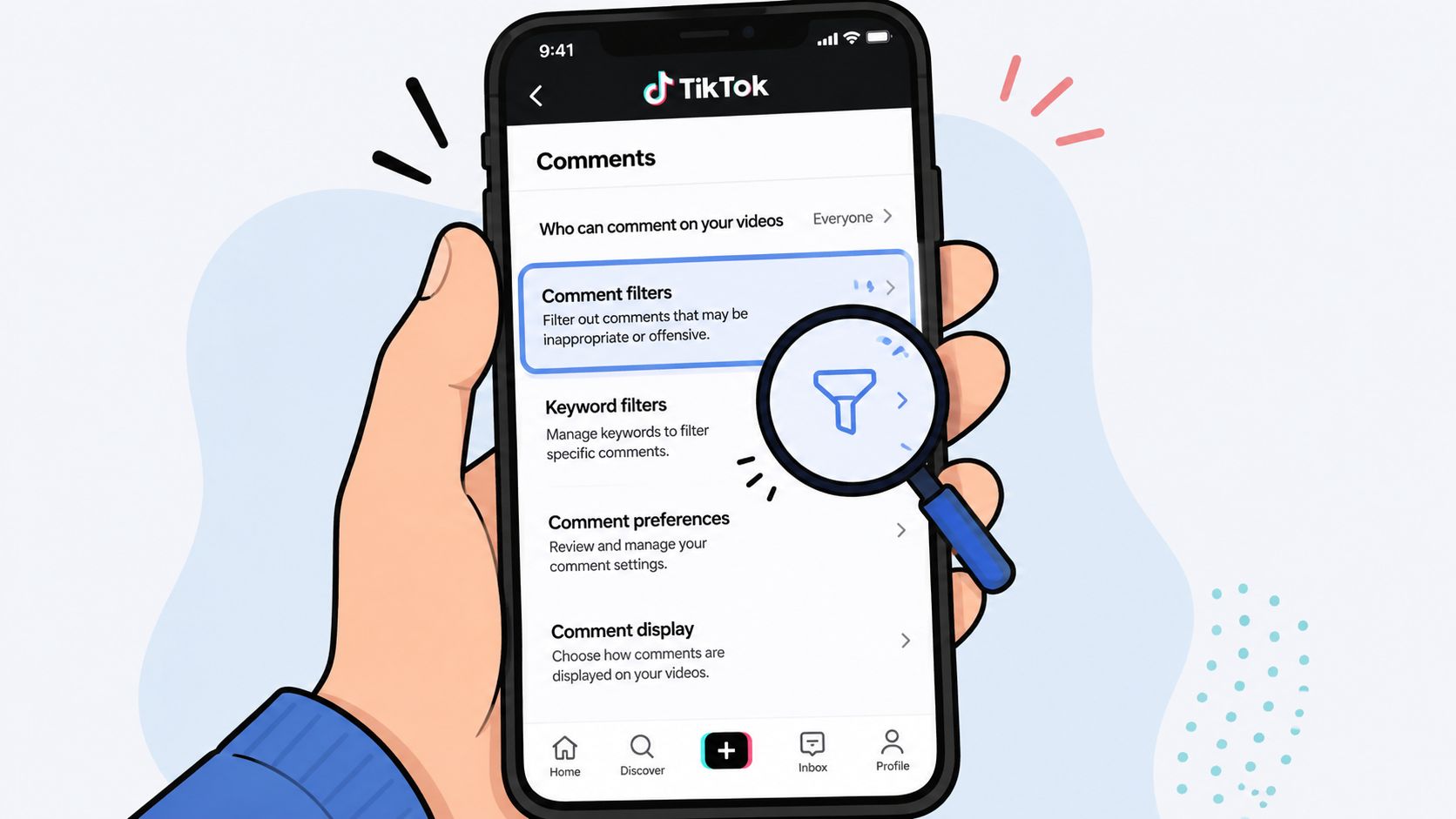
How Each Setting Works
Filter all comments is the blunt instrument. Every comment goes into a review queue before anyone else sees it. That works during launches, crisis windows, or when paid creative is getting hammered by irrelevant replies, but it also adds delay. Your team has to approve everything, so response time becomes a real operating cost.
Filter unwanted comments is the more practical default for most brands. It blocks obvious junk without forcing your team to inspect every reply. TikTok also supports keyword hiding through the same settings path, which lets you catch recurring spam patterns and clear abuse. The best use of these controls is to stop comments that waste attention, distract buyers, or create brand risk before they spread.
Use the platform's built-in tools as the first layer, not the whole system. If you manage a paid account, the setup should happen fast, then your team should watch what still slips through. A clean baseline beats a noisy inbox, especially when comment volume can pull support, sales, and media teams in different directions.
Practical rule: If your team cannot review comments fast enough to keep ads moving, do not default to full pre-approval. Start with unwanted-comment filtering and keywords, then tighten only where risk demands it.
For teams wiring this into an ad operation, the moderation layer should sit beside campaign workflow, not in a separate corner. If you want to map that into your stack, this TikTok integration overview shows how comment handling fits into a broader operating model.
Building an Effective Keyword Filter List
A keyword list should protect revenue, not just clean up language. The strongest lists catch repeat junk, risky phrasing, and comments that pull attention away from buyers. Weak lists are too narrow to matter, or so broad that they hide legitimate questions about price, shipping, or fit.
Build for patterns, not just profanity
Start with the phrases that show up again and again under ads. That usually includes competitor names, scammy sales language, support-bait phrases, and obvious trolling. Keep the list tied to what hurts your funnel. If a phrase keeps dragging the thread away from purchase intent, it belongs in the blocklist.
Separate hard blocks from watch terms. A hard block is for phrases you never want public. A watch term is something your team should see before deciding. That distinction matters because broad keyword filtering can hide useful comments if a product name overlaps with normal language.
A scalable setup is to combine Filter unwanted comments with a keyword list, because TikTok lets creators filter up to 500 keywords. That cuts review volume while still catching brand-risk terms, according to ecommerce platform guides on TikTok comments. Use that room carefully. Don't fill it with vague words that customers use naturally.
A keyword list is most effective when it mirrors the language buyers use, not the language a compliance team wishes they used.
What to include and what to avoid
Block recurring spam: Words and phrases that signal repeat junk should be added first, because they waste attention and make the ad look unattended.
Block competitor mentions when needed: If you see comments hijacking the thread with rival brands, add those names selectively.
Block scam language: Terms that push users off-platform or into suspicious contact flows belong in the list.
Avoid broad product language: Common terms tied to your own catalog can hide real questions.
Avoid emotional catch-alls: Words like “bad” or “cheap” can wipe out honest feedback that your team should answer.
Build the list from your own comment history. That is where the patterns show up. The best blocklists are living documents. They change with the campaign, the offer, and the type of traffic you are buying.
Comment moderation is also a signal source. Teams that treat it that way find recurring objections faster and spot wasted spend earlier, as covered in this comment section research piece. If your moderation workflow reaches beyond comments, the same discipline applies to AI video agents handling repetitive responses and routing.
Developing a Moderation Policy for Your Brand
Tools don't make moderation decisions. People do. If your team doesn't share a policy, the result is inconsistency. One moderator deletes a comment. Another leaves the same thing up. A third replies publicly and turns a small issue into a bigger one.
The cleanest framework is simple. Hide spam, abuse, and junk that serves no customer value. Reply to questions, objections, and support issues that can move the buyer forward. Escalate anything that touches PR risk, safety, fraud, or a serious customer complaint. That gives your team a fast decision tree instead of an argument in the middle of the workday.
Make the decision tree visible
Write the rules down in plain language. Not as a legal memo. As a working guide your social lead, media buyer, and support team can use. A good policy answers three questions. What gets removed immediately. What gets a response. What gets sent to a human with context.
TikTok's scale explains why this matters. In its sixth EU transparency report, the company said that between July and December 2025 it removed around 112 million pieces of violating content, and 93.8% of violating content was actioned by automated systems without human review TikTok transparency report. That's all content types, not comments alone, but it shows why a brand can't rely on manual judgment alone when the volume gets large.
The lesson for advertisers is straightforward. If a platform is handling moderation at massive scale, your brand needs an internal policy that keeps pace with that reality. Otherwise, moderation becomes reactive, and reactive teams miss both problems and opportunities.
A moderation policy isn't about censoring conversation. It's about deciding which conversations deserve attention and which ones don't.
If your team needs a starting point for that operating model, this brand reputation guidance is the kind of internal read worth sharing before the next campaign goes live.
Automating Moderation with AI Employees
Manual moderation breaks when your ads start pulling real volume. Someone has to check the queue. Someone has to notice a bad pattern. Someone has to decide whether a comment is a sales lead, a support issue, or a liability. That work steals time from media buying and creative testing.
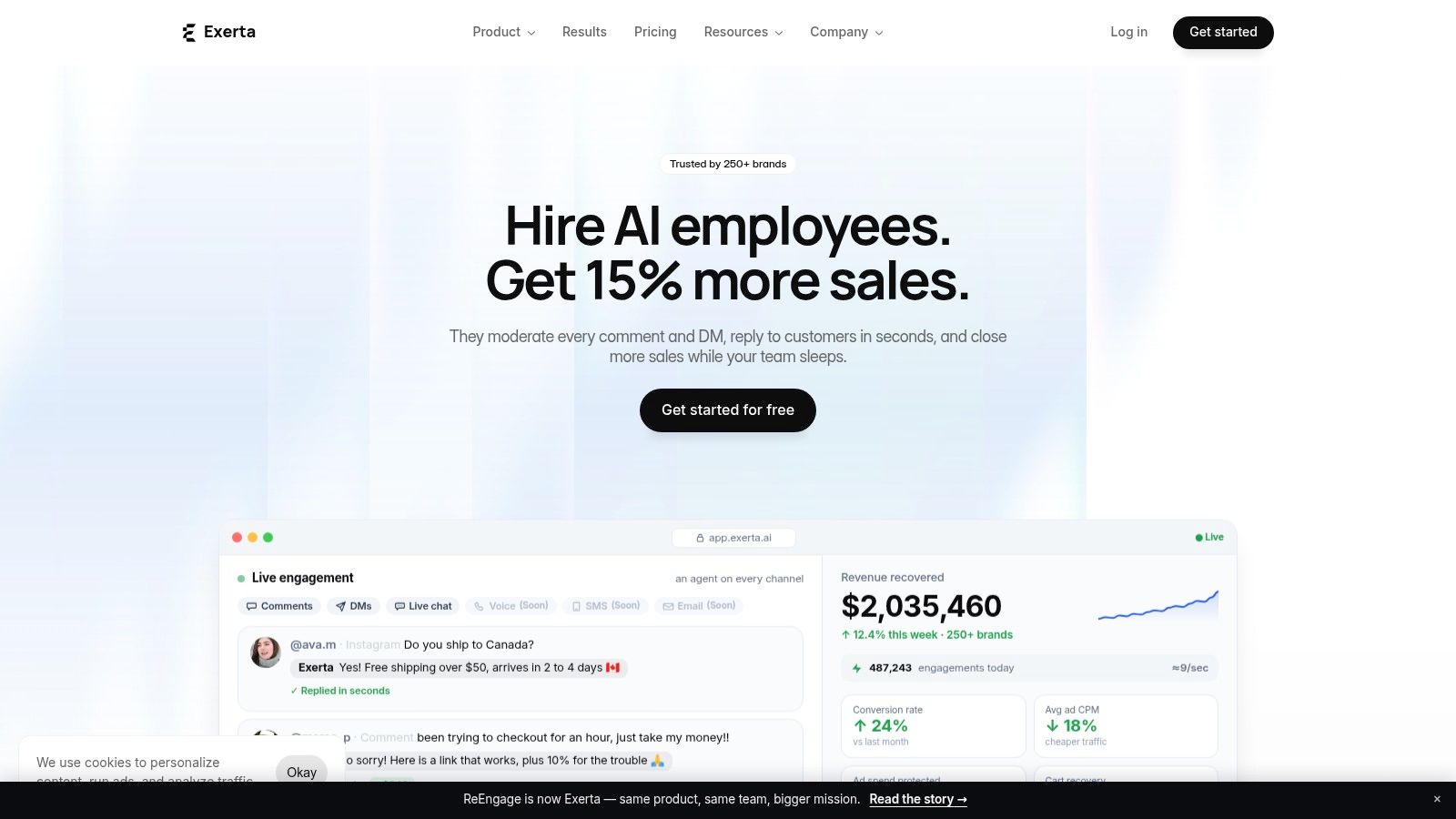
Here, AI employees change the job. Exerta, for example, deploys AI employees that handle comment replies and moderation across Facebook, Instagram, TikTok, and website chat today, with SMS, email, and voice next. It's built to hide spam, answer buyers in brand voice, and route engagement into workflows that recover revenue. The point isn't just speed. It's consistency across channels and shifts.
Why automation beats a keyword-only setup
TikTok's own newsroom guidance shows how to turn on Filter by Keywords so comments with specific terms are hidden automatically, but that's still a manual rules setup, not contextual understanding TikTok newsroom guidance. A keyword block can catch obvious junk. It can't always tell whether a frustrated comment is a threat, a product question, or a purchase signal.
That's the gap AI employees fill. They can read intent, answer in the right tone, and keep the thread moving. If someone asks about shipping, the system can respond. If someone says they're ready to buy, it can push the next step. If a comment looks risky, it can hold or route it.
For teams that want to understand the operating model behind this, the internal guide on what an AI employee actually does all day shows how the work gets divided between automation and human oversight.
The business case for a managed system
The business value is simple. Better moderation protects ad spend because it reduces the visible noise under paid posts. It also recovers revenue because buyers don't disappear when nobody answers them. Exerta says its platform is used by 250+ brands, with 15% average sales lift, $2M+ recovered, and 99.9% uptime. Those figures matter because the whole point of comment filtering is not just suppression. It's performance.
If you want a related perspective on comment automation as a workflow, the resource on AI video agents is useful context for teams building around high-volume engagement rather than manual one-off replies.
Creating an Escalation Workflow for Brand Safety
The comments that matter most are usually the hardest to classify. They don't always use obvious spam language. They might look like a complaint, a refund request, a legal concern, or a public accusation. Those comments need speed, but they also need human judgment.
A good escalation workflow starts with triage. The system flags the comment. A human reviews it. If it's minor, the team responds or hides it. If it looks serious, it moves to the right owner fast. That owner might be social, support, legal, or brand. The important part is that the handoff is defined before the issue appears.
Set thresholds before the crisis
Write rules for the comments that can't sit in a generic inbox. Verified customer complaints should go to support with the post context attached. Legal-sensitive language should route to whoever owns risk review. PR-related issues should be visible to a brand lead immediately. The team shouldn't have to debate routing while the thread is still public.
TikTok's bulk comment management tool lets you delete up to 100 comments at once from a post TikTok bulk comment management. That's useful, but it also shows the limit of manual cleanup. High-volume issues don't go away because someone clicked faster. They need a process that catches the pattern early and moves the right cases to a human.
A workable setup looks like this:
Auto-flag risky language: Use rules to surface comments that need review instead of burying them in a general queue.
Assign by severity: Decide which comments need support, which need brand, and which need legal.
Log every action: Keep a record of what was hidden, answered, escalated, or removed.
Review outcomes weekly: Check which flags were useful and which ones wasted time.
Tighten the rules: Update the workflow when new spam patterns or complaint themes appear.
Keep the human loop tight
Automation should never be the last step for risky comments. It should be the first pass. That's the right use of machine triage. Humans still decide on sensitive calls, but they don't waste time sorting through obvious noise.
The fastest brand-safety workflow is the one that gets the right comment to the right person before the public thread starts to define the story.
If your team needs a practical way to formalize that handoff, this escalation workflow guide is the right next read.
For brands running paid TikTok traffic, comment filtering is no longer a housekeeping task. It's part of how you protect spend, keep ads credible, and recover buyers who are already halfway to purchase. Exerta builds AI employees that handle comment moderation, replies, and escalation across your channels, so your team can spend less time cleaning up threads and more time improving performance. Visit Exerta to see how that system can fit into your ad workflow.

